Layout Boost
Boost your space layout with AI
New3D Home Planner
Sketch your floor plan, switch to 3D, furnish every room, stack the floors and finish the garden — then let AI redesign the real thing from a photo.
10M+ downloads on Google Play
Draw a plan
Walls snap to 90° and show their length in centimetres, with a magnifier above your finger. Or start from a photo of a plan.
Doors & windows
Put doors, windows and stairs on any wall and name each room — the planner adds up the rooms, the area and the openings.
About 8.8 × 6.4 m overall
3D view
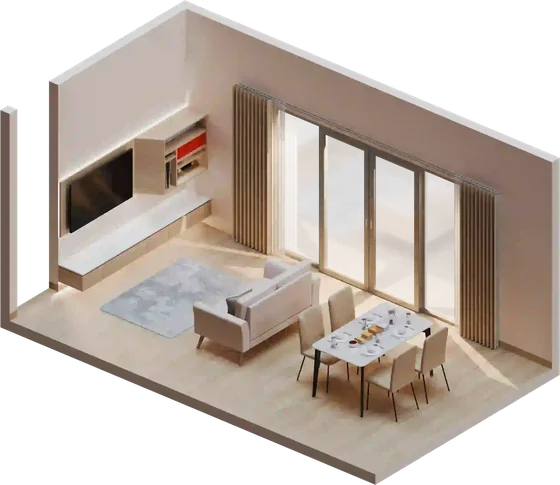
Your plan becomes a 3D home on the spot — every room, door and window exactly where you drew it.
Furnish
Pick from 195 pieces of furniture by room and drag them into place, then change their size, colour and material — or let the planner furnish your rooms for you.
Floors
Stack floors and switch between them — each one gets its own rooms, stairs, windows and furniture.
Exterior
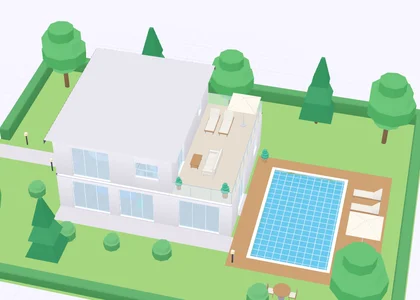
Choose a roof — flat, gable, hip, Japanese or Thai — colour the facade and the ground, lay paths and lawns, and plant trees and bushes.
Tour
Orbit the house, walk from room to room in first person and record a tour video to share.
Start from a sample
Explore furniture
Sofas, chairs, beds, tables, lighting, plants, rugs, kitchen, bathroom and garden — turn each piece in 3D and add it to a project.
AI Redesign
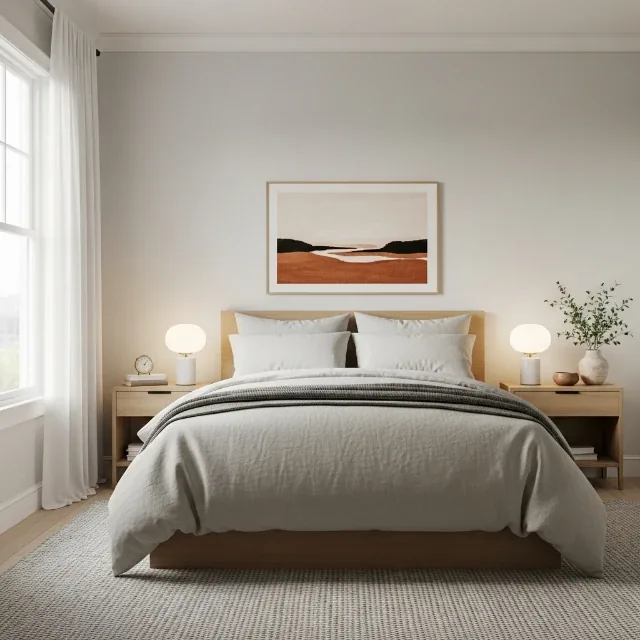
Upload a photo of a room, a house or a garden, choose a style and a colour palette, and NestAI redesigns it in seconds — before and after, side by side.
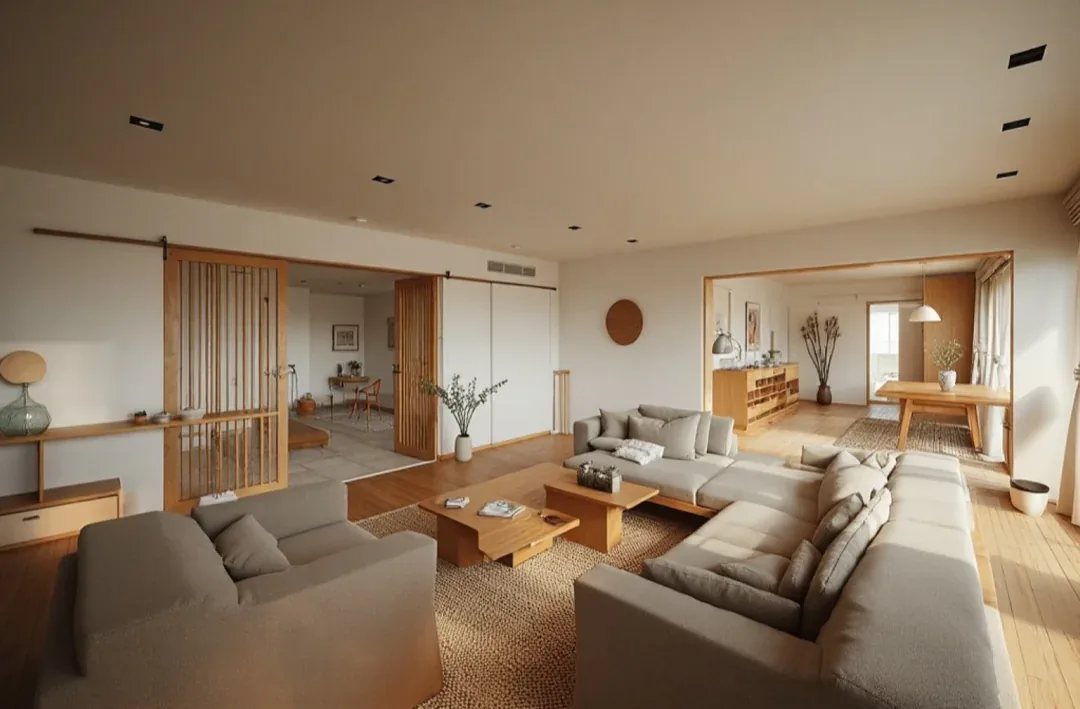
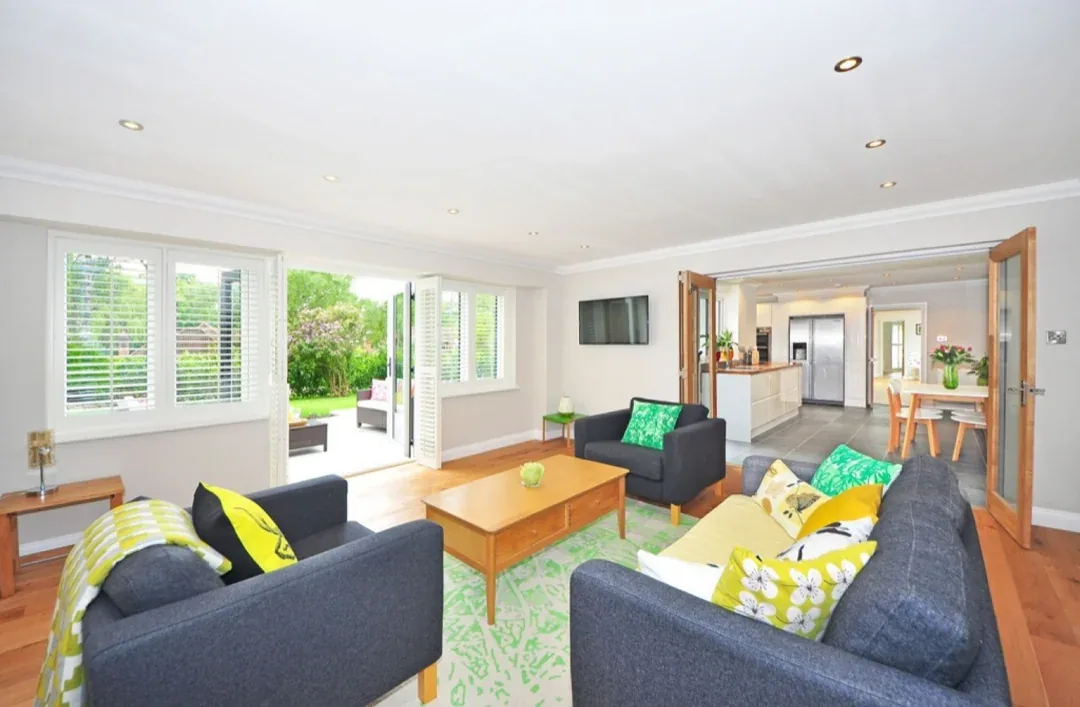
Your own photos are redesigned in the app — this website uploads nothing.
 Style Match
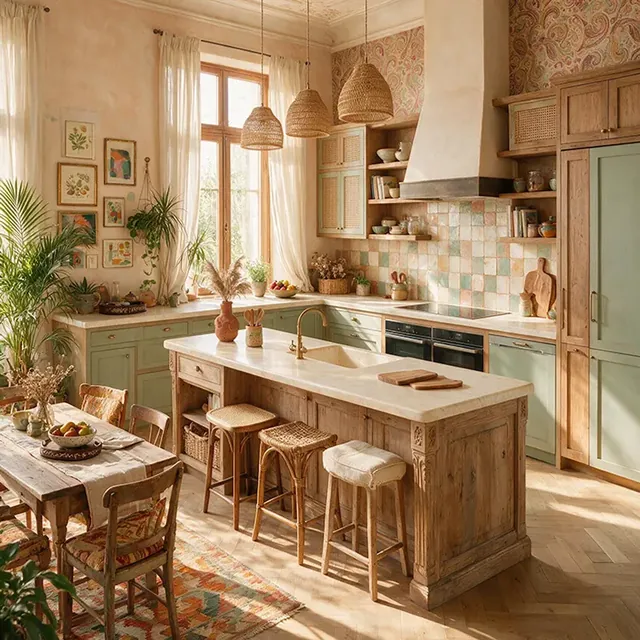
Add a photo of your room and a room you love as the reference. The AI reads its style, colours and furniture and brings them into your own space.
Retouch
Brush over a sofa, a lamp or a wall, describe what you want — or erase it — and Retouch changes just that part of your photo.
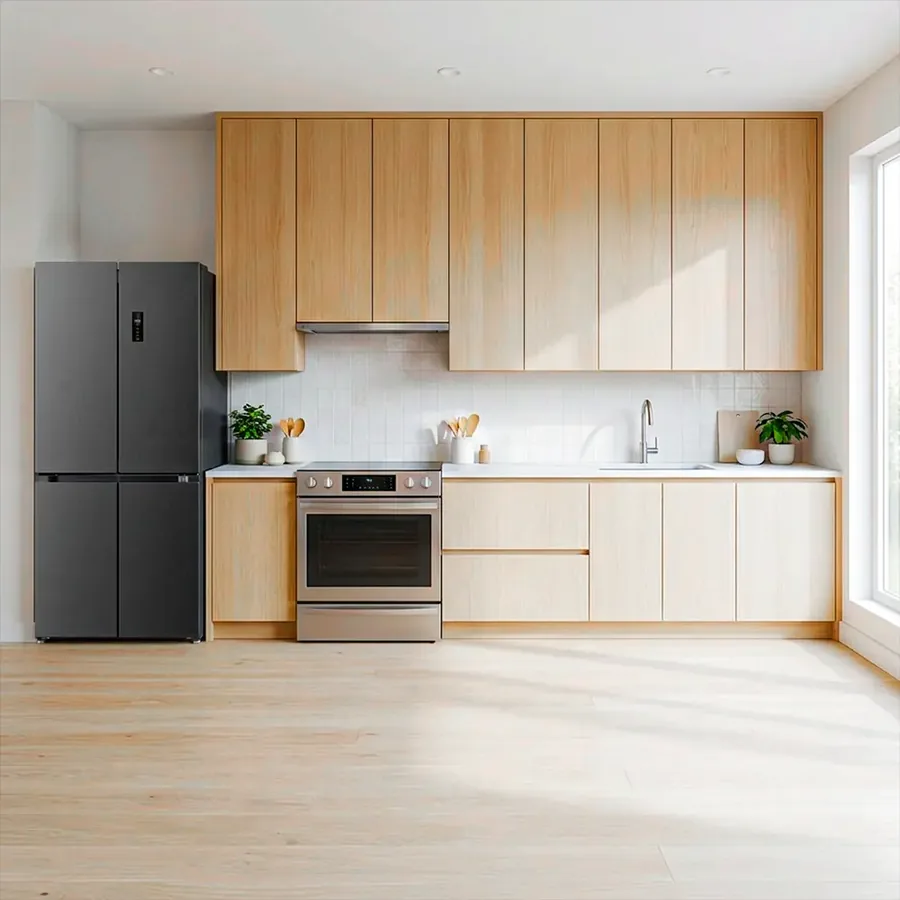 Brush the area to change
Layout Boost · Photo to Video
Layout Boost moves the furniture into a fresh layout; Photo to Video turns a room photo into a short moving clip.
Boost your space layout with AI
Bring your photos to life with motion.
Inspiration
Browse looks by room and style, open the one you like and apply it to a photo of your own room.
All features
AI design for every room, the outside of your house and the garden — and a planner to draw it all from scratch.
Free on Google Play
Install NestAI, take a photo of a room — or draw your plan — and see your space in a new light.

 Scan to install on your phone
10M+ downloads · Free · In-app purchases
FAQ
NestAI is free to download. AI designs use coins, which you collect every day from Daily Rewards and missions or by watching a short ad. Premium is an optional subscription with unlimited styles and colours and no ads; cancel it any time in Google Play.
To create a design, the photo you choose is sent to our AI service, which returns the new image. Your designs stay in the Library on your phone. 3D Home Planner projects are saved on your phone. The demos on this page upload nothing.
You choose with Layout control: Low tries a completely new design, Medium mixes new ideas while keeping the structure, High keeps the layout and details and changes just the style.
3D needs a reasonably recent phone. On older phones you can still draw and edit the 2D plan.

NestAI: AI Home, Room Planner
Scan with your phone’s camera